
Free · App Store
BeadDot for iPhone
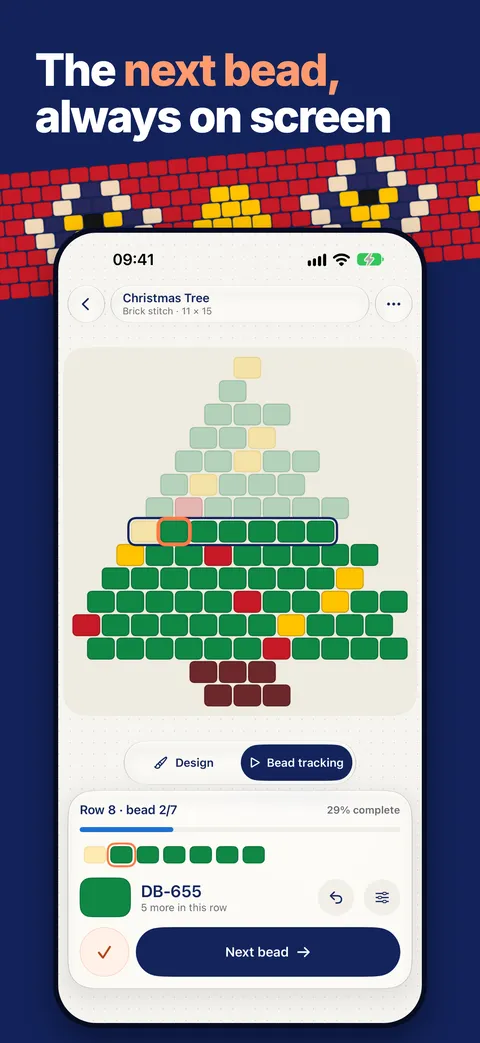
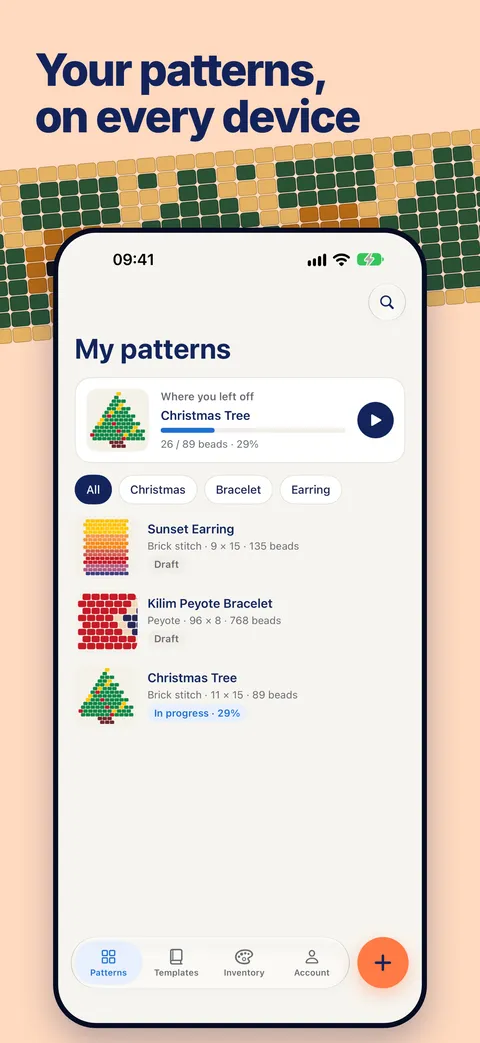
Draw a pattern, see the beads it needs, then follow it bead by bead while you work. The next bead and its color code are always on screen, and your place is always saved.

For iPhone, iOS 17 or later. Start without an account.
Screens from the app
What the app does
Follow your pattern
- The next bead and its color code are always on screen
- Your row is highlighted and finished beads fade back
- Tap to advance, with haptics and the screen kept on
- See your pace and estimated time left
- Your place is saved, so you can stop and pick up anytime
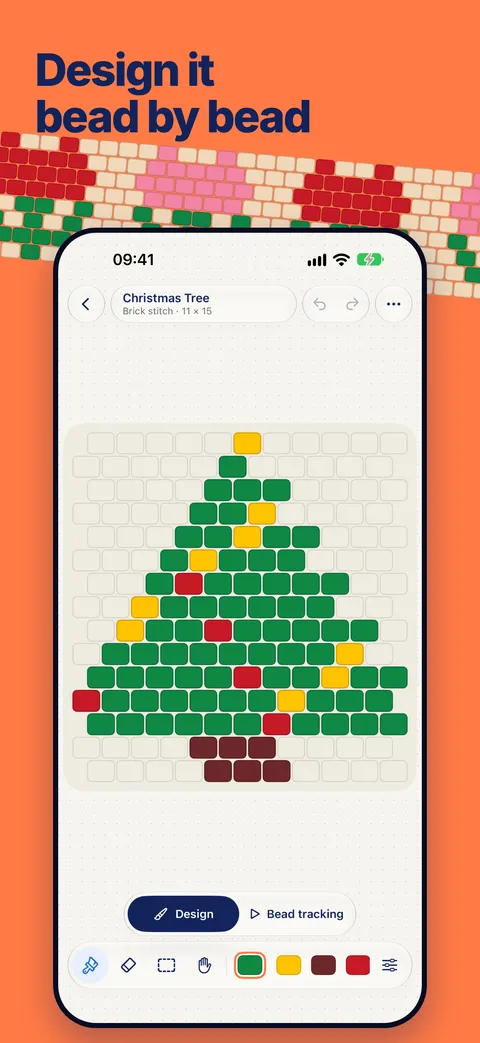
Design bead by bead
- Peyote, brick stitch, loom and herringbone
- Paint, erase, select, move, copy and paste
- Sizes for bracelets, rings, earrings and necklaces
- Pegboard designs for fuse beads
- Preview your piece in 3D
- Import a pattern from text
Real bead colors
- Catalogs for Miyuki Delica, TOHO, Perler, Hama, Artkal and MARD
- Switch catalogs and each color moves to its closest match
- A bead count and estimated weight for every pattern
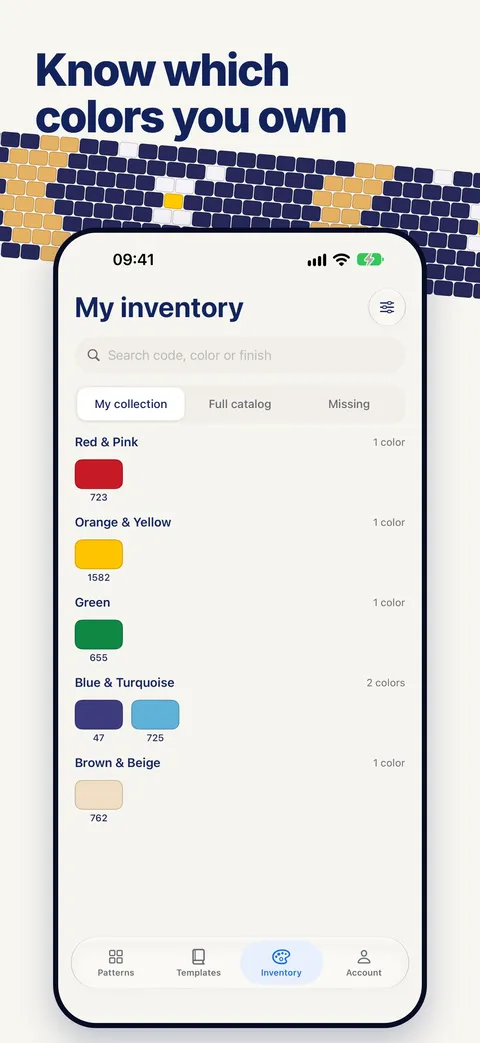
- Keep an inventory and see which colors you’re missing
- Get color ideas from the beads you own
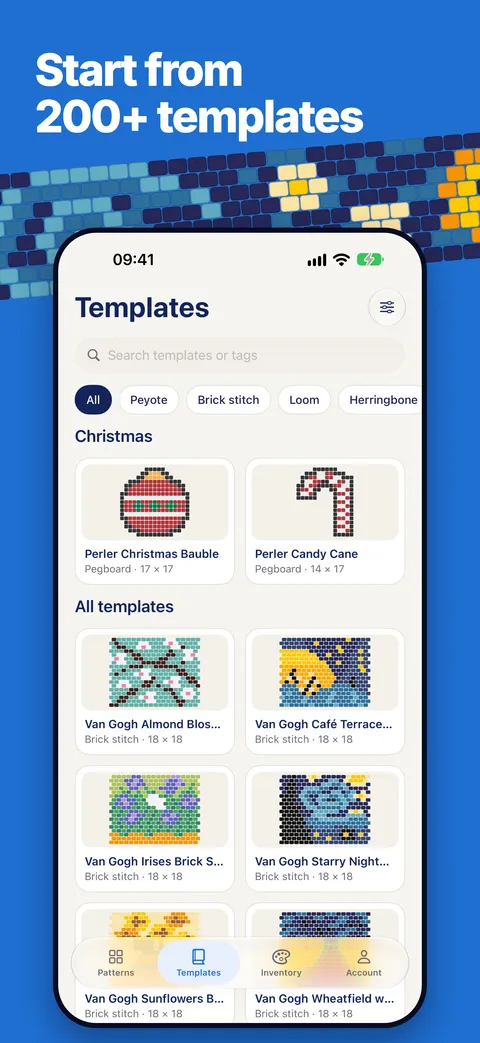
Templates and export
- Make any bracelet, earring or seasonal template your own
- Export a PNG image or a PDF with a word chart
One account, the same patterns on the web
The app uses the same account as beaddot.com. Start a pattern on your computer and follow it on your phone, or draw one on your phone and open it on the web.
- Sign in with Apple, Google or email
- Patterns, inventory and your place on every device
- Delete your account from inside the app
Frequently asked questions
Is the BeadDot iPhone app free?
Yes. The app is free on the App Store, with no ads and no in-app purchases.
Do I need an account to use the app?
No. The app opens as a guest, so you can try every bead feature right away. Sign up with Apple, Google or email when you want your patterns on your other devices too.
Will my patterns from the website show up in the app?
Yes. Sign in with the account you use on beaddot.com and your patterns and inventory come to the app; changes you make in the app show up on the web too.
Is there an iPad or Android version?
The app is for iPhone for now (iOS 17 or later). On iPad, Android and computers, use the web studio at beaddot.com in your browser.
Does the app have every feature of the website?
Drawing patterns, tracking, the color catalogs, inventory, templates and export are all in the app. Photo to pattern and cross stitch are on the web for now.
Follow your next pattern on your phone
Get BeadDot free on the App Store.